KeyBloomv1.0 · VST3 · AU
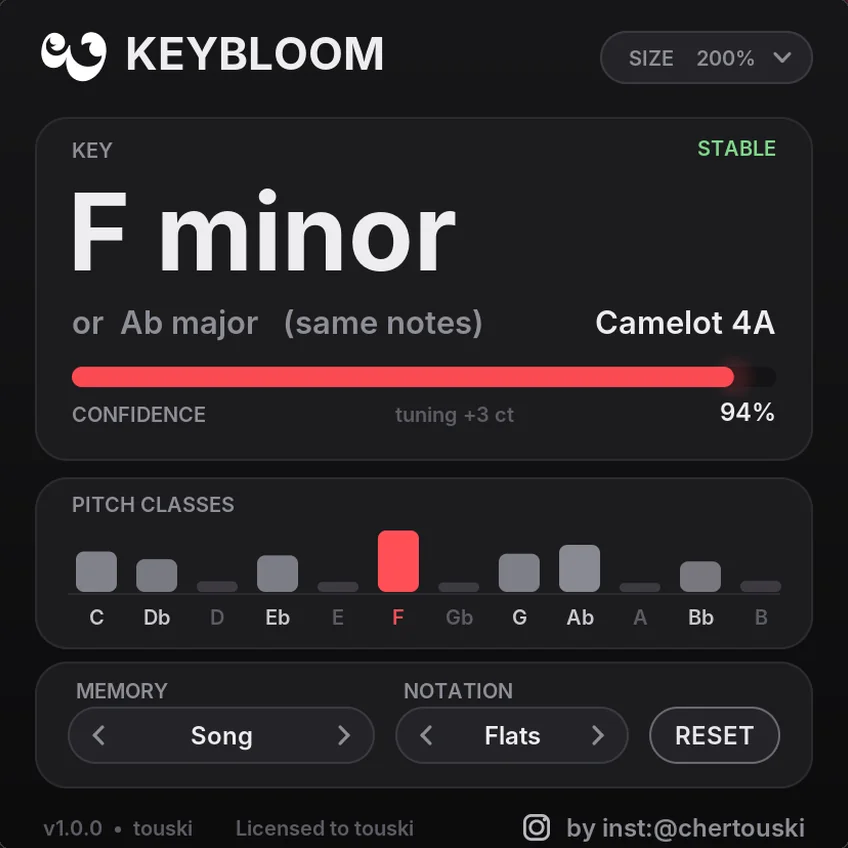
Know the key before the loop ends. Put KeyBloom on any track, bus or the master and press play. Within a few seconds it shows the key, the relative key and the Camelot number.
Drop it on a track
Any track, bus or the master. Mono or stereo.
Press play
It listens while the music plays. Your audio passes through untouched.
Read the key
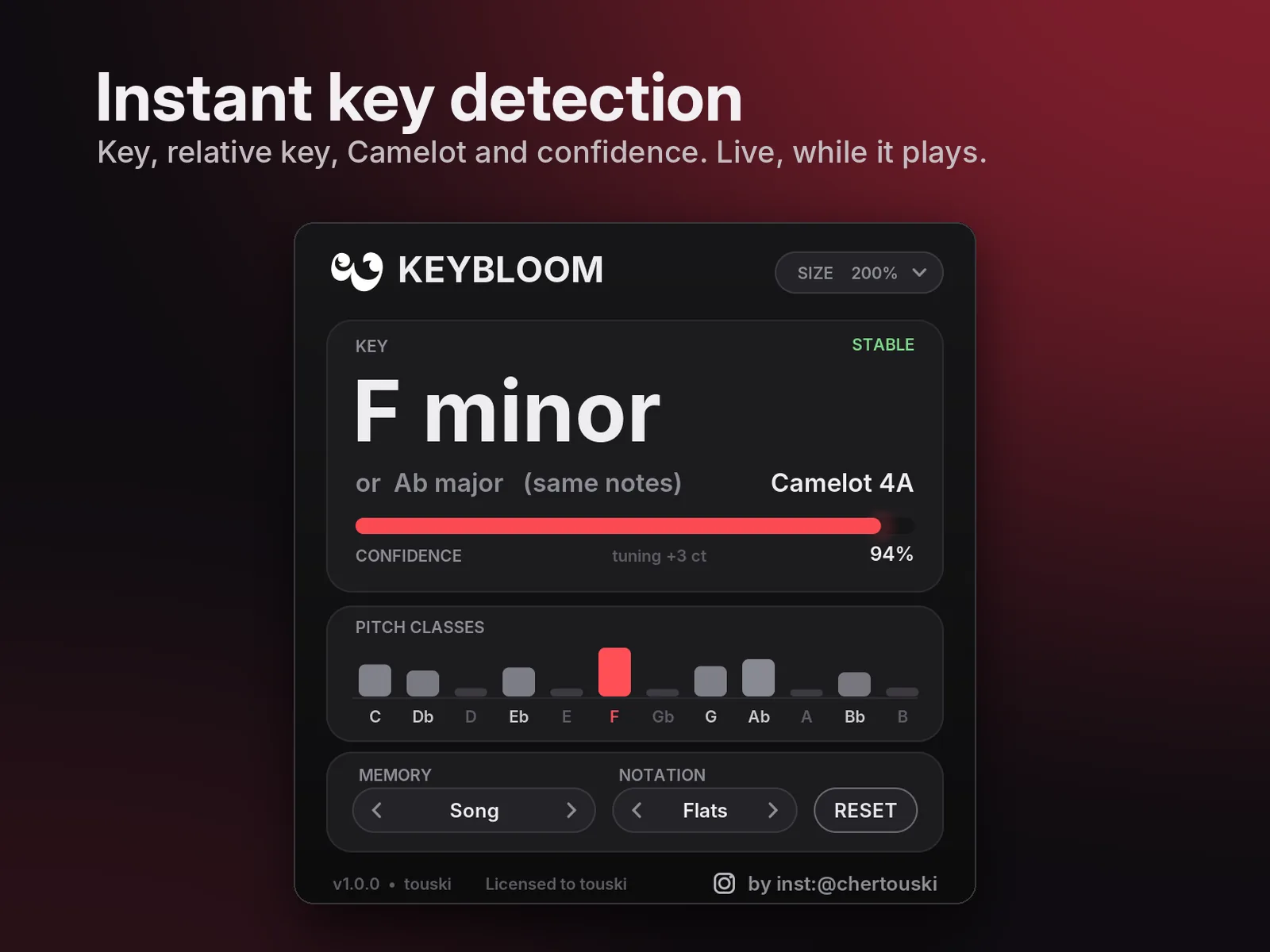
Key, relative key, Camelot, confidence and tuning in one small window.
See it before you try it
Hears it the way you do
Human-like
Compares your audio with key profiles measured from real listeners in music-perception research, so keys rank the way people hear them.
Notes, not overtones
Overtones are folded back into the notes that made them, so bright 808s, distorted leads and thick pads don't fool it.
Hears the root
Weighs the bass and root movement under the harmony, like your ear does.
Shows its confidence
Drums only, noise or one held note? It says “No clear key” instead of guessing.
No flicker
C major and A minor share the same notes, so it won't jump between them. It switches only when the music clearly moves.
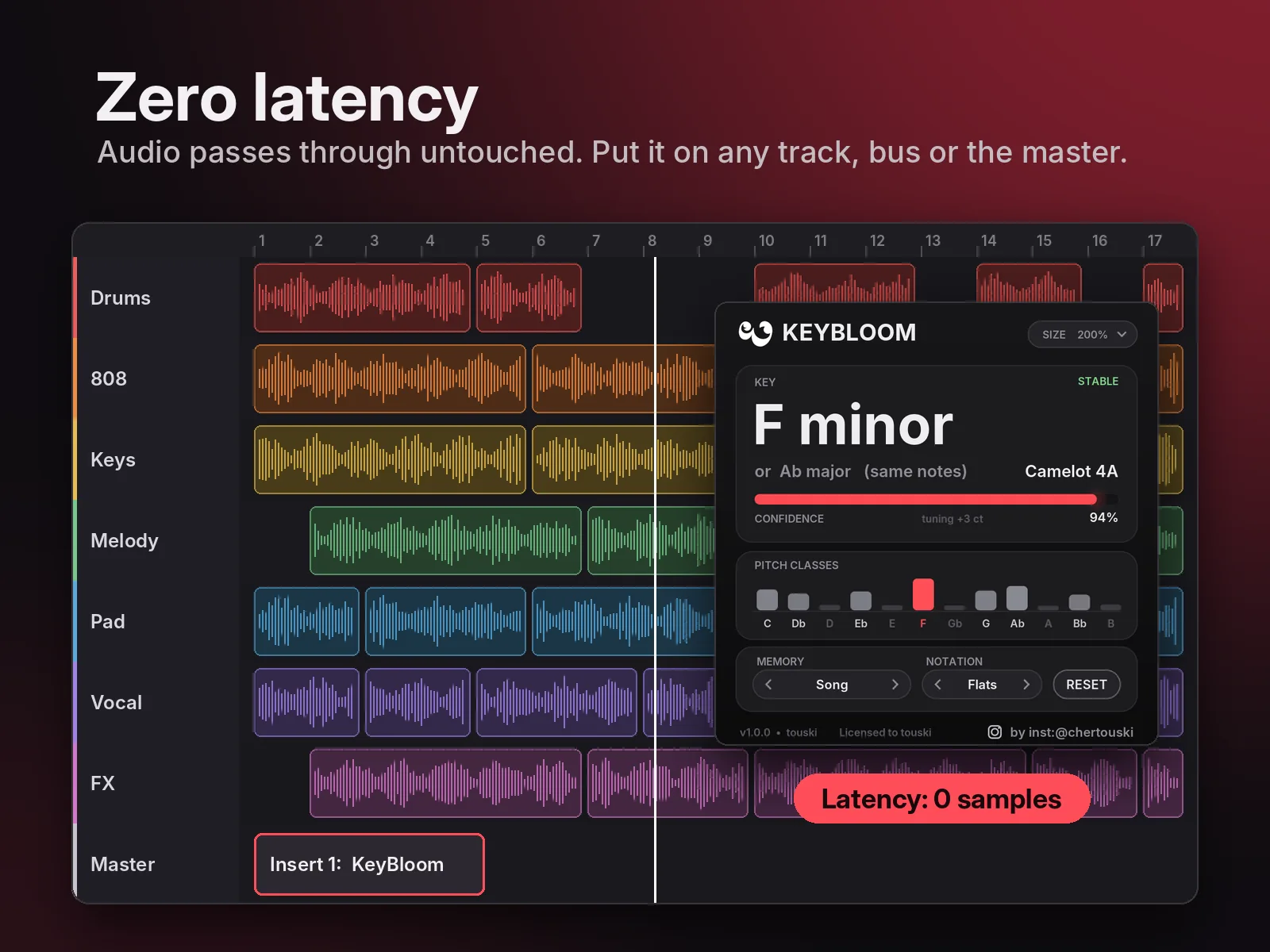
Zero latency
Audio passes through bit for bit and the plugin reports 0 samples latency. Safe on the master.
Song · Section · Fast
Choose how much of the past it remembers. Song mode also follows real key changes. Reset starts fresh.
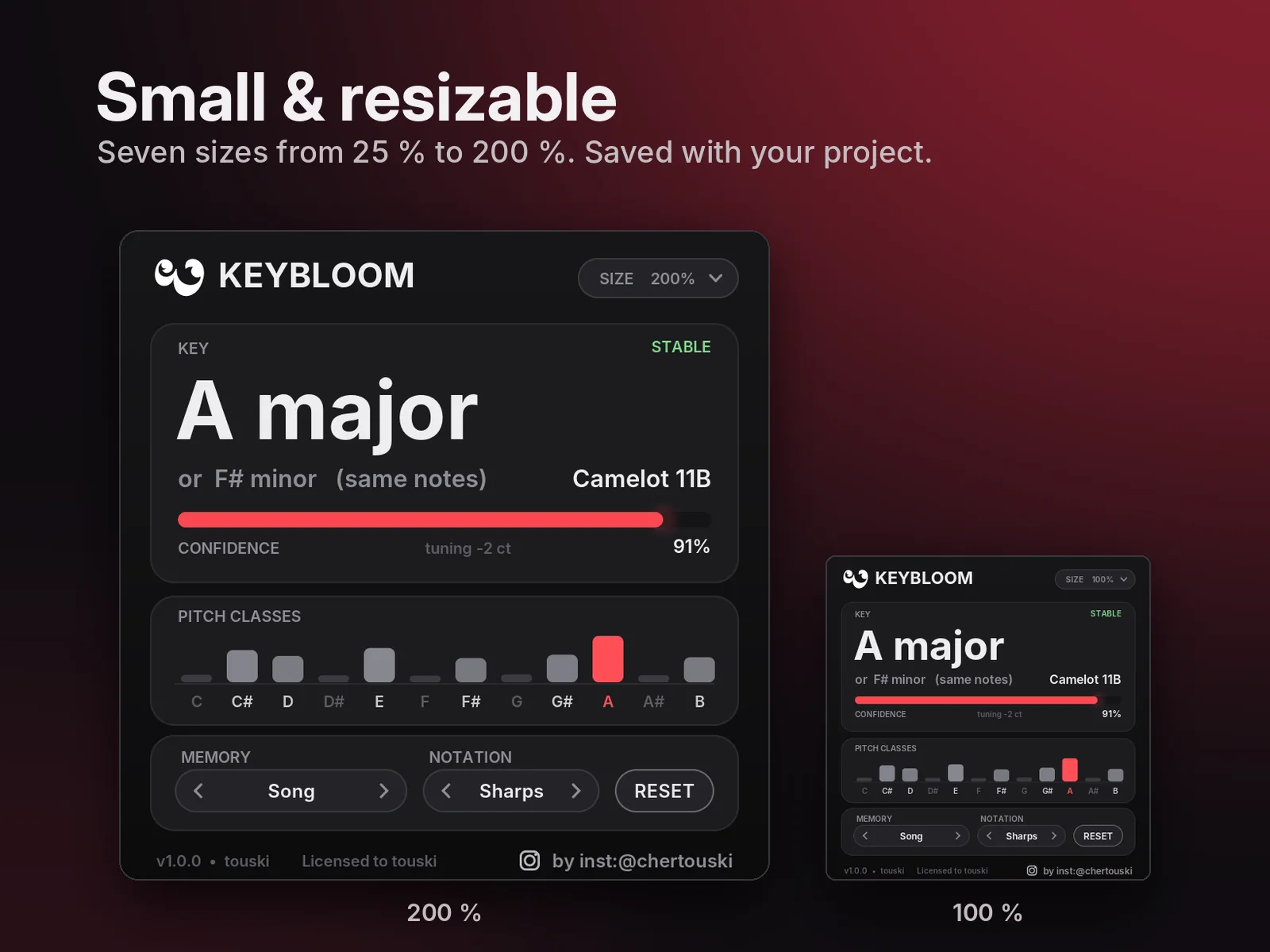
Small & resizable
Seven sizes from 25 % to 200 %, saved with your project. Sharps or flats.
Light to run
Fine to leave on for the whole session. Exposes Detected Key and Confidence to hosts that show them.
- KeyF minor
- Relative key, same notesor Ab major
- Camelot, for DJs and mash-ups4A
- Confidence and state94 % · Stable
- Tuning offset+3 ct
- Pitch classes, tonic in redC … B
- FL Studio · Ableton LiveVST3
- Reaper · Bitwig · Studio One · CubaseVST3
- Logic ProAU
Any VST3 or AU host. Try the free demo in your DAW before you buy. KeyBloom detects the key only: no BPM, no chords, no MIDI out.
One payment. Free v1 updates. No subscription.
- VST3 and AU, Windows and macOS
- One personal key for both Windows and Mac
- Offline activation: no account, no internet, no iLok
- License key by e-mail, within 24 hours
Final price including VAT for your country is shown at checkout. No refunds for a change of mind after download, so try the demo first. Refund policy · KVR Audio page
Free demo
The demo is the full plugin. It analyses 5 minutes of audio in total, then hides the detected key until you activate. Your audio is never muted. When you buy, paste the key into the same install, no reinstall.
- Format
- VST3 (Windows, macOS) · AU (macOS), 64-bit
- System
- Windows 10 / 11, 64-bit · macOS 10.13 or newer, Apple Silicon and Intel
- Host
- VST3 and AU hosts such as FL Studio, Ableton Live, Logic Pro (AU), Reaper, Bitwig, Studio One, Cubase
- Audio
- Mono and stereo · 0 samples latency
- Activation
- License key · Terms
Questions
Does it change my sound?
No. Audio passes through bit for bit, with zero latency.
Why does it sometimes show two keys?
The second one is the relative key: it has exactly the same notes (for example C major and A minor). KeyBloom shows both and picks the one the music centres on. Key detection is an estimate, so ambiguous music can read as the relative key.
What is Camelot?
A DJ wheel notation (1A–12B) for mixing tracks in compatible keys.
Which DAWs does it work in?
VST3 and AU hosts such as FL Studio, Ableton Live, Logic Pro, Reaper, Bitwig, Studio One and Cubase. Logic Pro needs the AU version. There is no AAX and no standalone app. Try the free demo in your DAW before you buy.
Does it need internet or an account?
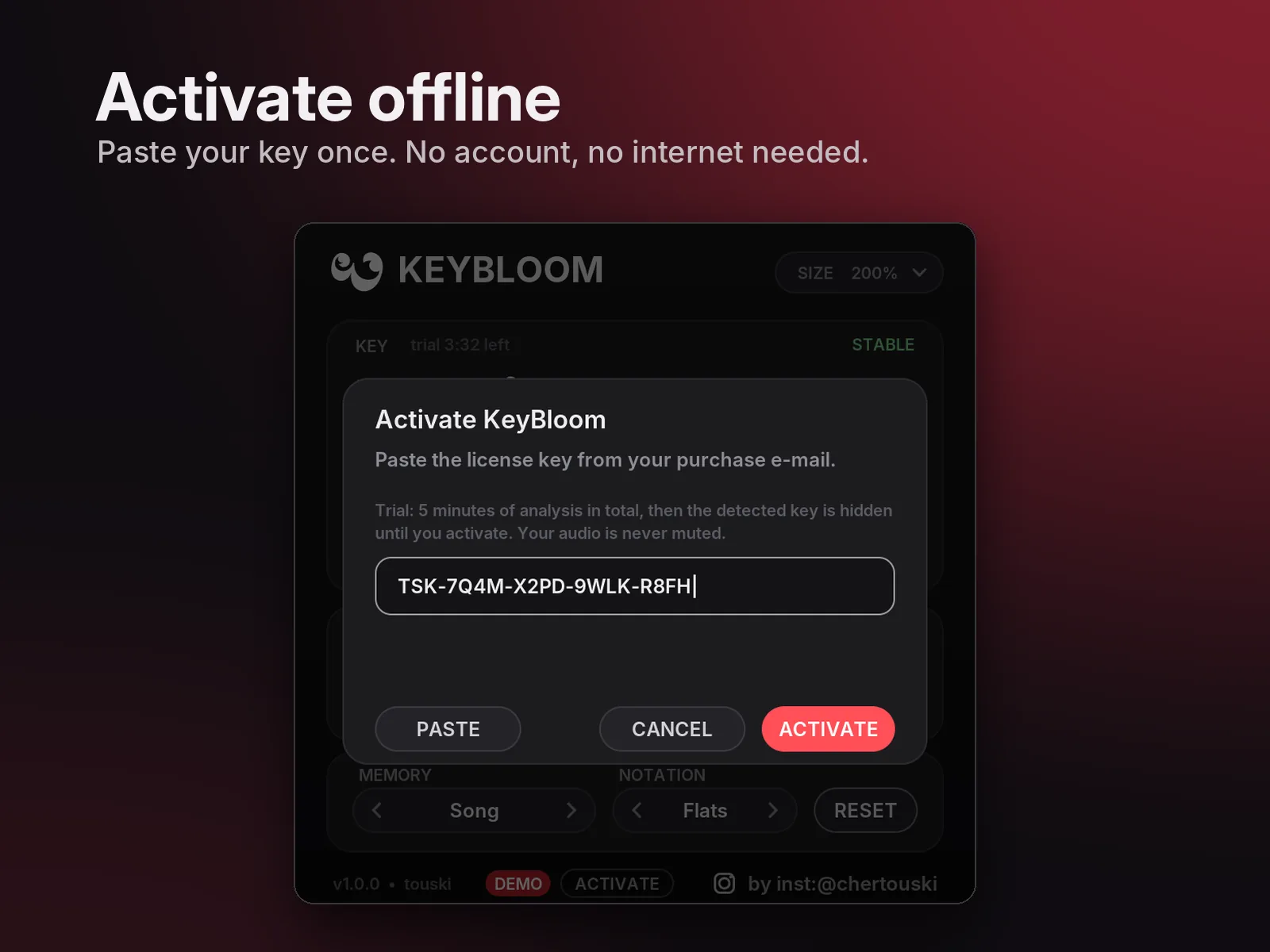
No. Activation is offline: paste the key once, no account, no iLok.
Can I use it on Windows and Mac?
Yes, one key works on both. It runs on Windows 10 / 11 (64-bit) and on macOS 10.13 or newer, Apple Silicon and Intel.
What does the demo limit?
5 minutes of analysed audio in total, then the key is hidden until you activate. Your audio is never muted.
How do I install it?
- Windows: run the installer (.exe). It installs
KeyBloom.vst3toC:\Program Files\Common Files\VST3\. Rescan plugins in your DAW. - macOS: run the installer (.pkg). It installs the VST3 to
/Library/Audio/Plug-Ins/VST3/and the AU to/Library/Audio/Plug-Ins/Components/(you can choose either or both). The installer is not signed with an Apple Developer ID yet, so the first time right-click the .pkg and choose Open.
How do I get and enter my license key?
After your purchase we e-mail your personal key, within 24 hours. Open KeyBloom in your DAW, click ACTIVATE at the bottom of the window, then PASTE and ACTIVATE. Questions? Contact us.
Can I get a refund?
We don’t refund a change of mind once the download has started, so please try the free demo first: it is the full plugin. We do refund double charges, keys we could not deliver and faults we cannot fix. See the refund policy.
Support?
Write to support@touski.net.